At last the fridge is on the internet
It's been a while since I was blogging — and in fact my previous efforts as part of lastminute.com labs are all offline now. I am restarting things here on Whizzy Ideas!
I don't know what it is about internet-enabled fridges. It's been such a long time we've been promised smart touch screens combined with keeping food cold. How have we coped? I had to take matters into my own hands. My plan started early. I decided an electronic-ink display would be ideal, as it could sit there consuming very little power until it needed to update itself. There's too many glowing things in the house already. At the time I didn't have any such display, but I was tantalisingly close to acquiring enough points as a trend-spotter for Springwise to get a free basic Kindle. It turns out in a busy city like London by the time you spot a trend it has usually been and gone, but I managed to get there (thanks Springspotters!) and had my display. Now — what to show on it? Clearly the ability to order the food that you're running out of is far too obvious. Besides, we have a perfectly good notepad and pencil already attached that is more than capable of holding pages and pages of requests for ice cream, Nutella, biscuits, more Nutella. However it takes us a laborious two or three clicks to check the weather forecast. So, as a starting point, we'd have the next 24 hours of weather right there. On the fridge. A great combination of keeping food cold and hearing how cold it is outside.
Meanwhile I had a brainwave (that usually means I had a stupid idea but didn't yet realise it). Instead of showing separate cloud/sun/rain icons for each hour in a 24h forecast, I would create a single landscape. The sun is always there up in the sky, just sometimes there are clouds below it. If it is cloudy for 3 hours in a row that can be one long cloud. It kind of works. I turned the temperature into hills, which breaks the metaphor (especially as the higher hills are higher temperature — but on mountains it is colder!). That's the part where I realised maybe it is a stupid idea after all.
So without further ado — here it is at the moment. Much work still to be done but it is live. The actual weather data is from forecast.io (although where we live it doesn't seem especially accurate — sorry forecast.io! — I may need to switch providers).
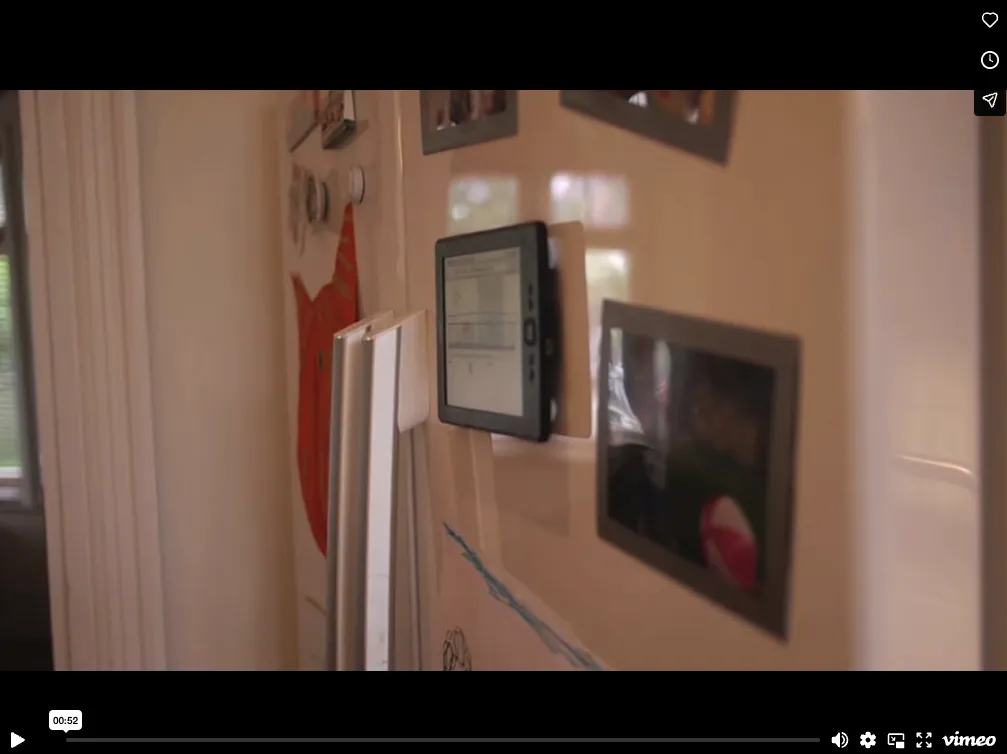
Now that this first part is working — I'll be adding some more useful things to this home dashboard — including exercise stats from Map My Run and Strava, actual weather readings from our internet-connected thermometer once I remember where I left it (it is at room temperature so I am guessing in the house somewhere).
If anyone is interested in technical details — there is actually one useful thing I learned. It is implemented in Processing running on my Raspberry Pi. If you want to run Processing on a Raspberry Pi in headless mode you can use xvfb but you need a command like this for it to actually work (the bit depth has to be correct otherwise you run into this bug):
xvfb-run -s "-screen 0 1280x1024x24" /home/pi/processing-2.1.2/processing-java --sketch=/your sketch/ etc.
Also drawing arbitrary-sized clouds programmatically is harder that it seems. And to have things actually work for a Kindle display compared to a laptop you need to quadruple the thickness of everything.
Originally published at whizzyideas.wordpress.com on May 11, 2014.